GeoGebra Icon Examples#
This page demonstrates the GeoGebra icon role for inline SVG icons.
What are GeoGebra Icons?#
GeoGebra icons represent different tools and modes in GeoGebra. You can reference them inline in your text to show which tool or feature you’re discussing.
Available Icons#
Here are all the available GeoGebra icons:
Intersection Tool#
Use the 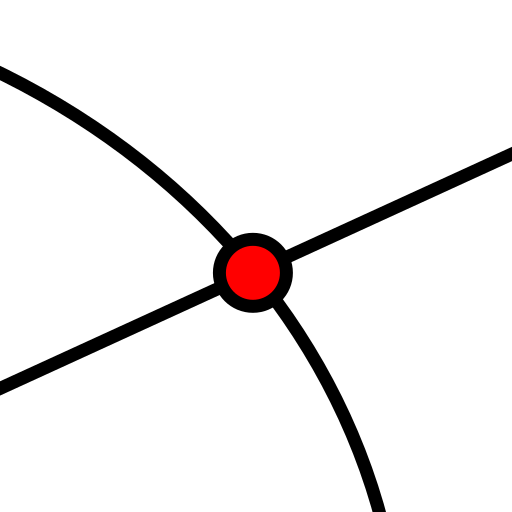 tool to find intersection points between objects.
Solve Tool#
The 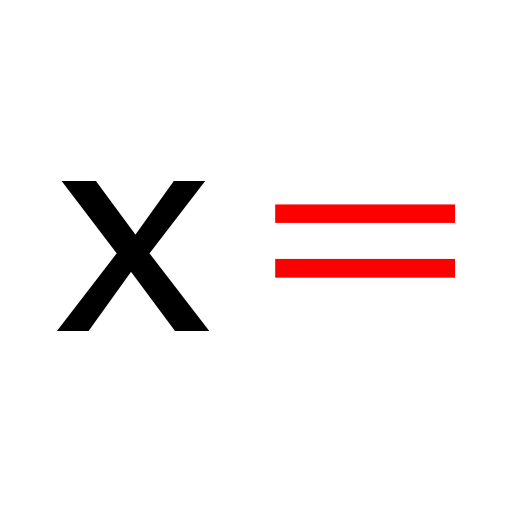 tool allows you to solve equations symbolically.
Numeric Solve Tool#
For numeric solutions, use the 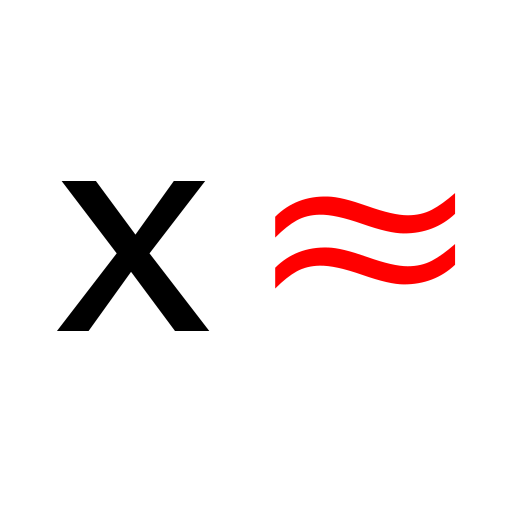 tool.
tool.
Point Tool#
Create points with the 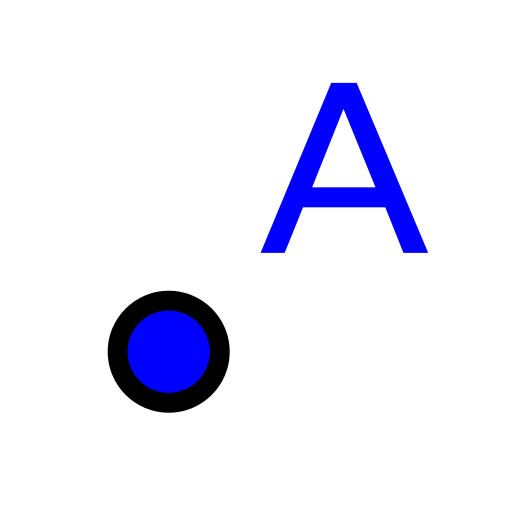 tool.
tool.
Evaluate Tool#
Use  to compute or evaluate expressions.
Extremum Tool#
Find minimum and maximum values with the  tool.
tool.
Numeric Tool#
For numeric computations, use  .
.
Using in Instructions#
Here’s how you might use these icons in teaching instructions:
Open GeoGebra and select the
toolClick on the coordinate plane to create two points
Then use the
tool to find where two lines meetFinally, click
to solve the resulting equation
Multiple Icons in a Sentence#
You can use multiple icons in one sentence: To analyze a function, you might use to find critical points, for calculations, and to verify your results.
Technical Notes#
Icons are SVG format for crisp display at any size
They appear inline with the text
Alt text is automatically generated for accessibility
Icons scale with the surrounding text size